
VPN Kill Switch Explained: How It Protects Your Data
Discover how a VPN kill switch blocks traffic when your tunnel drops, preventing data leaks and protecting sensitive info for remote workers and everyday users.
VPN Kill Switch Meaning and Why It Matters
What is a VPN Kill Switch?
We hear about VPN kill switches all the time, but what do they actually do? Think of it as a safety valve that shuts the water flow when pressure rises—except here it stops data from leaking if your VPN tunnel drops.
How a Network Kill Switch Works
When the VPN hiccups, a software kill switch watches the application layer and blocks traffic from that app. But it can miss other apps or system processes that keep sending packets. A network‑level kill switch sits in the routing table and cuts all traffic until the tunnel is back up.
Why does this matter for OpenVPN users? OpenVPN negotiates a tunnel through UDP or TCP, and if the connection stutters, traffic may slip through the default gateway. A network‑level switch enforces a hard rule: no traffic until the tunnel re‑establishes. That’s the standard in the industry, like IETF RFC 3986.
Real‑World Scenarios
Use case – Remote worker A remote worker in a coffee shop uses OpenVPN to access corporate resources. The Wi‑Fi drops; a software kill switch might let the browser ping the bank’s site. A network‑level switch cuts all outbound packets immediately, keeping credentials safe.
Use case – Disabling the kill switch Sometimes you want to let traffic flow even when the VPN is down—for example, to reach local network devices that the VPN blocks. In that case, you can temporarily disable the kill switch in your VPN app’s settings.
I was terrified of data leaks. After enabling Forest VPN’s network kill switch, I felt a peace of mind that felt like a blanket over my laptop. – A satisfied user
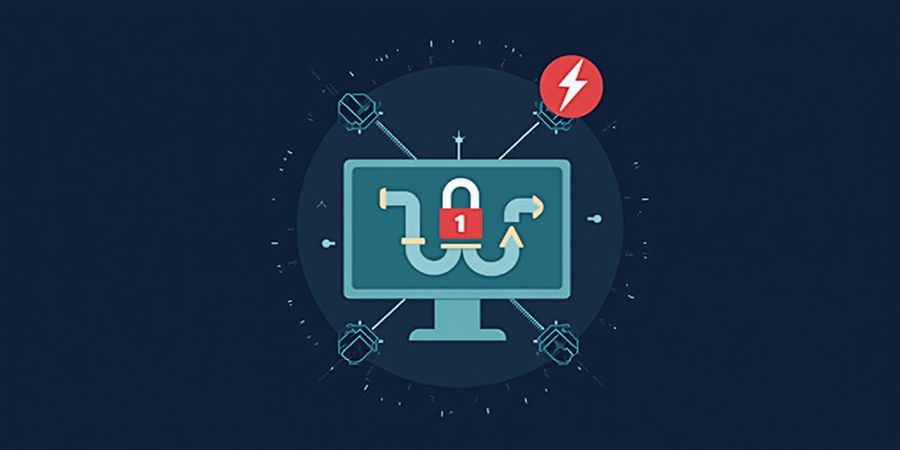
Below is a quick visual diagram description: a laptop icon connects to a cloud (VPN server). A red line represents the tunnel. A shield icon blocks traffic when the tunnel is down. The diagram shows the shield covering all ports, illustrating how the network‑level switch blocks all outbound traffic.
Enabling and Disabling the Kill Switch in Forest VPN
- Open the Forest VPN app.
- Go to Settings → Security.
- Toggle the Network Kill Switch switch on to enable it.
- To disable it, toggle the switch off.
- Verify that the status indicator shows “Kill Switch: On” or “Off” accordingly.
Frequently Asked Questions
What is a VPN kill switch? A kill switch is a feature that prevents your device from sending traffic over an unsecured network if the VPN connection drops.
How does a network kill switch differ from a software kill switch? A network kill switch blocks all traffic at the routing table, while a software kill switch only blocks traffic from the VPN app itself.
Can I disable the kill switch? Yes, most VPN apps allow you to enable or disable the kill switch in the settings.
Is the kill switch necessary for all VPN users? If you are concerned about data leakage when the VPN drops, a kill switch is highly recommended. If you only use the VPN for basic browsing, you may not need it.
Take Action
For full trust, read Forest VPN’s privacy policy to see how they handle logs and technical safeguards. Try Forest VPN today to secure your data with a reliable kill switch.