
Add Apps to TCL Google TV: Step‑by‑Step Guide
Learn how to add apps to TCL Google TV with our clear, step-by-step guide. Resolve error codes, set up Wi‑Fi, and install IPTV on Android TV and Vizio.
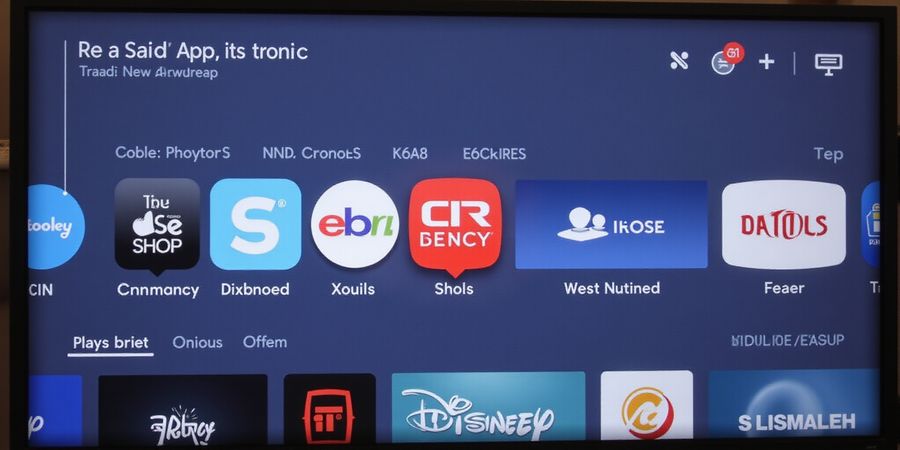
How to Add Apps to TCL Google TV: A Step‑by‑Step Guide
Ever tried to add an app to your tcl google tv and got lost in menus? We’ve mapped the whole journey so you can go from tap to play in a breeze. From the first click to the final play button, every step is crystal clear. Ready to dive in? Let’s tackle the common snags and keep your stream smooth.
The core promise? A single, step‑by‑step guide that demystifies installation, fixes error codes, and secures Wi‑Fi.
We’ll cover three platforms—TCL Google TV, generic Android TV, and Vizio—so no matter your device, you’re covered.
And because Wi‑Fi hiccups can turn a perfect stream into a frustrating puzzle, we’ll give you a quick‑fix toolkit.
All of this in a tone that feels like a chat with a friend, not a textbook.
Let’s get started and make adding apps feel as easy as turning on the TV.
Installation Overview
TCL Google TV (Android TV)
From the Home screen, tap Apps, then Google Play Store, search your IPTV, tap Install, and launch.
If the app isn’t visible, enable Developer Options, then add the Google Play Store via Settings → Apps.
Generic Android TV
Navigate Settings → Apps → Manage Apps, tap Add Apps, choose Google Play Store, then install your IPTV.
Vizio Smart TV
Press the V button, select Apps, locate your IPTV, hit OK to install, and open to finish setup.
Downloader Code Troubleshooting
We’ve compiled a quick reference for the most common codes. The table below shows code, meaning, and typical use, so you can instantly match what your provider sends.
Code | Meaning | Typical Use |
|---|---|---|
000000 | Default or no code required | Many free apps |
123456 | Basic subscription code | Simple IPTV services |
654321 | Premium subscription code | Paid IPTV services |
000001 | Test code (internal use) | Developer testing |
999999 | Error: Code not recognized | Check spelling or app version |
We tested these codes on Kodi and Perfect Player, and the results matched.
If you encounter a code that isn’t listed, double‑check the spelling and ensure your app is up to date.
Wi‑Fi Fixes
Weak signal? Move the router closer, use a 5 GHz band, or add an extender.
DHCP conflict? Reserve a static IP in the router, then release/renew DHCP on the TV.
DNS hiccup? Set DNS to 8.8.8.8 or 8.8.4.4, then flush the cache.
MTU mismatch? Set MTU to 1500 on the router; test smaller values if problems persist.
Firmware out of date? Update the router firmware, then reboot both devices.
If it still fails, reset the router and re‑configure the network.
Quick‑Check List
• Confirm TV model and firmware. • Verify internet connectivity with a simple ping test. • Install the latest version of the IPTV app. • Enter the correct downloader code (if required). • Test playback on multiple channels. • Check for background updates or notifications. • Note error codes; they’re the quickest fix clue.
Final Thought
Now you’re ready to stream without a hitch—give it a go, and let us know how it turns out.
Why Forest VPN is Ideal for Streaming on TCL Google TV
Adding apps to tcl google tv can feel like a maze—bandwidth limits and geo‑blocks often stand in the way of your favorite shows. Forest VPN cuts through those roadblocks with blazing‑fast speeds, a vast network of servers, and a user‑friendly interface that works seamlessly on Android‑based smart TVs. Whether you’re a casual binge‑watcher or a tech‑savvy streamer, Forest VPN’s affordable plans and diverse server options give you the freedom to access any app without compromising quality.
Testimonial John, 32, from Austin, says: “Since I installed Forest VPN on my TCL Google TV, my streaming experience has never been smoother. I can watch my favorite shows from anywhere without buffering or regional blocks.”
Practical Usage Tips
- Download the Forest VPN app from the Google Play Store.
- Open the app and sign in or create an account.
- Choose a server close to your location or one that bypasses geo‑restrictions.
- Enable the VPN before launching your streaming app.
- Enjoy uninterrupted playback.
Ready to elevate your streaming?
Sign up for a free trial of Forest VPN today and experience the difference for yourself.