
Fix 'Your Connection Is Not Private' on Windows 10
Fix the “Your connection is not private” warning on Windows 10 by syncing your clock, clearing SSL state, and reinstalling root certificates.
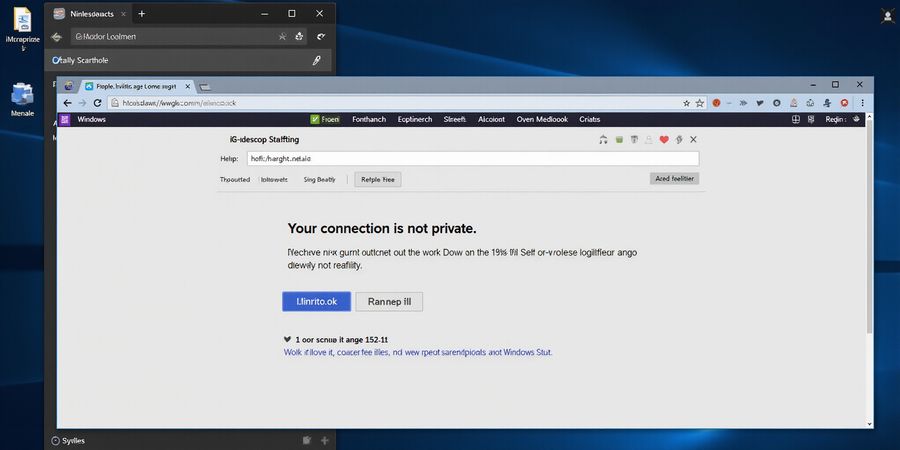
Your connection is not private on Windows 10
That dreaded “Your connection is not private” screen—what a sight. The browser is basically saying the SSL/TLS handshake didn’t go through, and it can feel like a red flag on a road trip. Why does it show up on Windows 10? Often it’s just a clock mismatch or a corrupted certificate store. Sometimes it’s a deeper network glitch or malware.
What’s really going on?
The browser checks a digital certificate against a list of trusted root authorities. If any part of that chain is missing, expired, or unverified, the warning pops up. It’s a protective guard, not an instant danger, but a cue to pause.
Quick fixes you can try right now
- Sync your clock – Settings → Time & language → Set time automatically. A mis‑set clock makes valid certificates look expired.
- Switch browsers – Open Firefox, Edge, or Chrome. If the warning disappears, the problem is browser‑specific.
- Clear SSL state – In Chrome, go to Settings → Privacy → Clear browsing data → Advanced → tick Cached images and Cookies. This wipes stale cert caches.
Intermediate steps
- Disable extensions – VPN or ad‑blockers can hijack HTTPS traffic.
- Flush DNS – Run
ipconfig /flushdnsto clear stale entries. - Reset network settings – Settings → Network & Internet → Status → Network reset. It restores adapters and removes hidden misconfigurations.
When basic tricks fail, go deeper
- Reinstall root certificates – Use Microsoft’s installer or run
certutil -generateSSTFromWU roots.sstand import. - Run a malware scan – Windows Defender or reputable AV can spot DNS hijackers.
- Check proxy settings – Settings → Network & Internet → Proxy. Disable auto‑config or stray proxies.
- Contact your ISP – Persistent warnings across devices may mean upstream interference.
Stay secure every day
- Keep Windows and browsers updated.
- Use a reputable VPN when on public Wi‑Fi.
- Avoid clicking “Proceed anyway” unless you’re certain of the site.
- Regularly clear browser cache and SSL state.
- Keep a backup of important data.
Ready to put the warning behind you?
Try a lightweight, affordable VPN that plugs into Windows 10’s native settings. Forest VPN offers that convenience without breaking the bank. Give it a spin and see how smooth your browsing becomes.